
HELP CENTER
Checking the usage summary
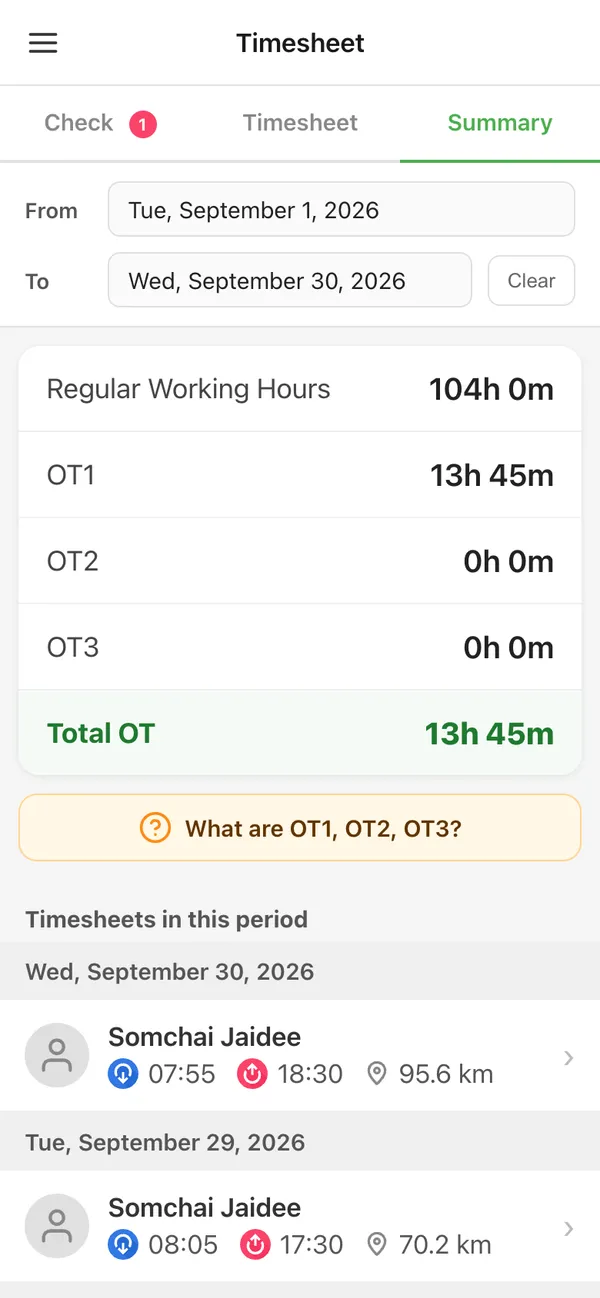
Summary shows totals for a period you choose.
Last updated: 2026-10-05
How to use Summary
- Choose the period you want to check
- View the totals
HELP CENTER
Summary shows totals for a period you choose.
Last updated: 2026-10-05