
HELP CENTER
Responding to check-in/check-out approval requests
When a driver checks in or out outside their normal area, an approval request is sent to the passenger to review.
Last updated: 2026-10-05
When an approval request is sent
When a driver checks in or checks out outside the area where check-in is normally allowed, an approval request is sent to the passenger. Common cases include:
- A business trip within Thailand that takes the driver outside their normal area
- The driver forgot to check in or out and did it later
How to respond
- Open Check
- Review the check-in/check-out time
- If it’s correct, approve it in the popup
- If the time is wrong, reject it and let the driver know via chat
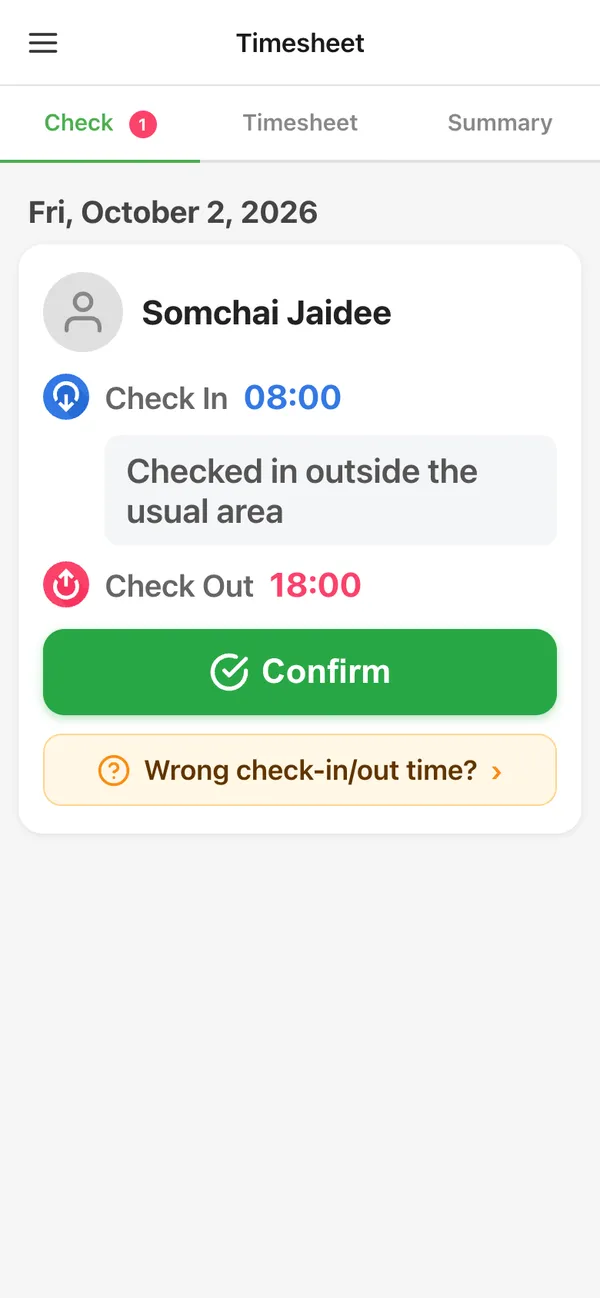
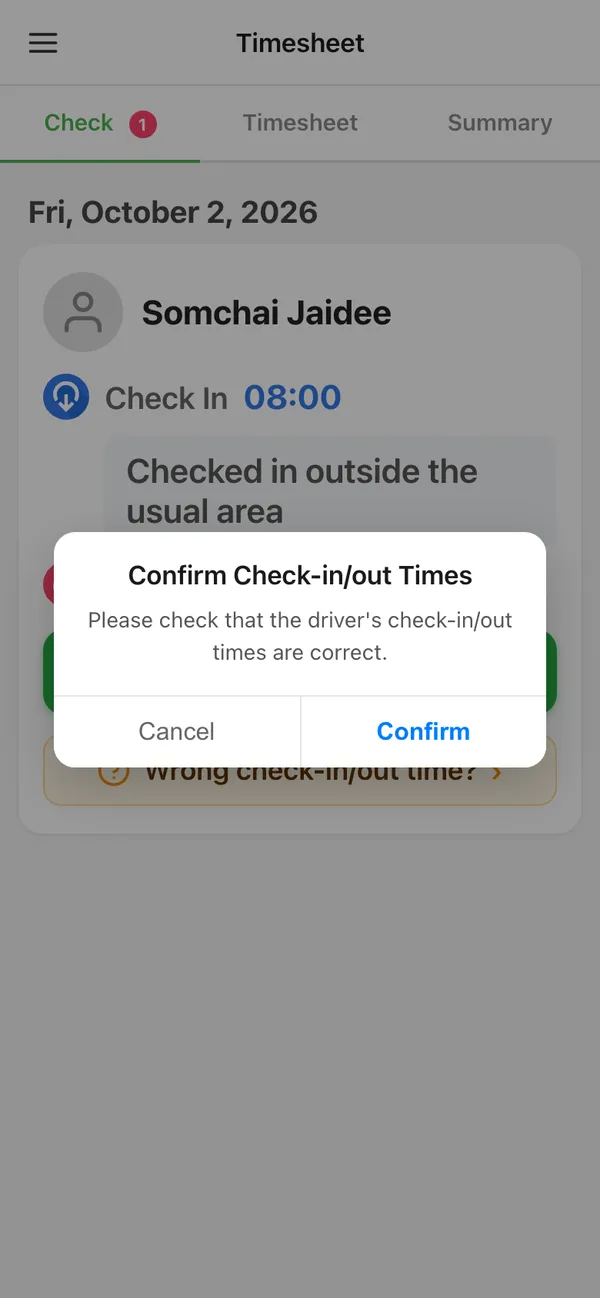
If it’s left unanswered
Requests that aren’t approved are automatically approved after a certain period of time.